

Football matches · Fanzones · Product launches
Turn any crowd into players.
Put a join code on the big screen. Thirty seconds later the whole room is playing on the phones already in their hands — no app to download, no accounts to create.
- players in one live room
- 200
- from scanning the code to playing
- 30 s
- languages: English, Spanish, Arabic
- 3
- apps to install, accounts to create
- 0
We set it up and run it with you · Works in any phone browser
How it works
Three steps to a room that's paying attention.
You bring the questions. Qüizo brings the screen, the clock and the scoreboard.
Write it, or let the AI draft it
Write single-choice questions with two to six options and exactly one correct answer, or let the AI draft the whole quiz from one sentence. Quizzes belong to your organisation, so the one you wrote for last quarter's summit is still there for the next one.
Put it on the big screen
Your operator opens the presenter view and the room sees a QR code and a six-character join code. Everyone joins by scanning it and typing a nickname. That is the entire sign-up.
Run the game
The host drives it from a laptop: one primary button per phase, a live “eleven of twenty-four answered” count, and the leaderboard after every question. The server owns the clock, so the reveal fires the moment the timer runs out — or the moment the last phone answers.
Who it's for
Made for the people running the room.
If you're standing at the front of a room full of people whose attention you'd like back, Qüizo is for you.
Football matches
Fill the half-hour before kick-off and the whole of half time with something the stand plays together, on the phones already in their pockets.
Fanzones and watch parties
Give a crowd waiting on a screen a reason to stay, compete and come back, with a leaderboard that resets every round.
Product launches and activations
Turn product facts into a game the audience plays on their own phones, in your room.
What you get
Everything a live room needs. Nothing it doesn't.
Built for the ten minutes when two hundred people are looking at the same screen.
AI quiz generation
Describe the quiz. Review the draft. Ship it.
Type what you want — "ten questions about our 2026 product launch, medium difficulty" — and Qüizo drafts the whole thing: name, language, questions, options, and which option is correct.
It only ever writes a draft. The agent can read the quizzes you already have and nothing else. Nothing reaches your account until you press Save.
You edit before you save. Every drafted question lands in the normal question editor and is validated exactly like one you typed yourself.
It works on quizzes you already have. Ask for a brand-new quiz, or just a few more questions on top of an existing one.
Event branding
Tell us the sponsors. We build the presenter around them.
Every event gets its own look on the big screen — your colour, your sponsors, prepared ahead of time by the team running it with you.
Your colour, everywhere the room is looking. The event's accent lands on the projector, the host's controller, and every player's phone — the same colour on every screen.
Sponsors on the screen people are already watching. A sponsor lockup on the presenter view, not a banner nobody scrolls to.
Badges on the answers, not just words. A question's options can each carry an image — pick the club from its badge — chosen from the badge set we build into the editor.
We prepare it, you approve it. Tell us the sponsors and the colours before the event. We build the presenter around them and show you before the room sees it.
Works anywhere
Two languages on the screen. Every phone in its own.
Run the same game in Buenos Aires, Dubai or Singapore. The presenter carries two languages at once, and each player answers in the one they picked.
Two languages on the big screen at once. Every question and every option shows in both — nobody in the room is reading a language they don't speak.
Each player answers in their own. They pick a language when they join and their phone renders in it — right to left when it should be, from the question down to the buttons.
Any venue, any timezone, any script. Players join from their own phones over their own data. Nothing to install, nothing to set up on site.
Participant data
A room full of players is a room full of leads, if they say yes.
We can capture the contact details and marketing consent your event needs — always opt-in, always handed to you when the room clears.
Email, phone, company, or a question of your own. We set up whichever fields your event actually needs — right down to a custom question per event, like a favourite team or a ticket ID.
At the door or after the game — your call. Ask on the join form if you need everyone who plays, or on the final leaderboard, when players are most willing to give something back.
Every field optional, every tick explicit. Nothing is pre-checked. Each opt-in is recorded with a timestamp, and the list is handed to you after the event — nothing sits on our side.
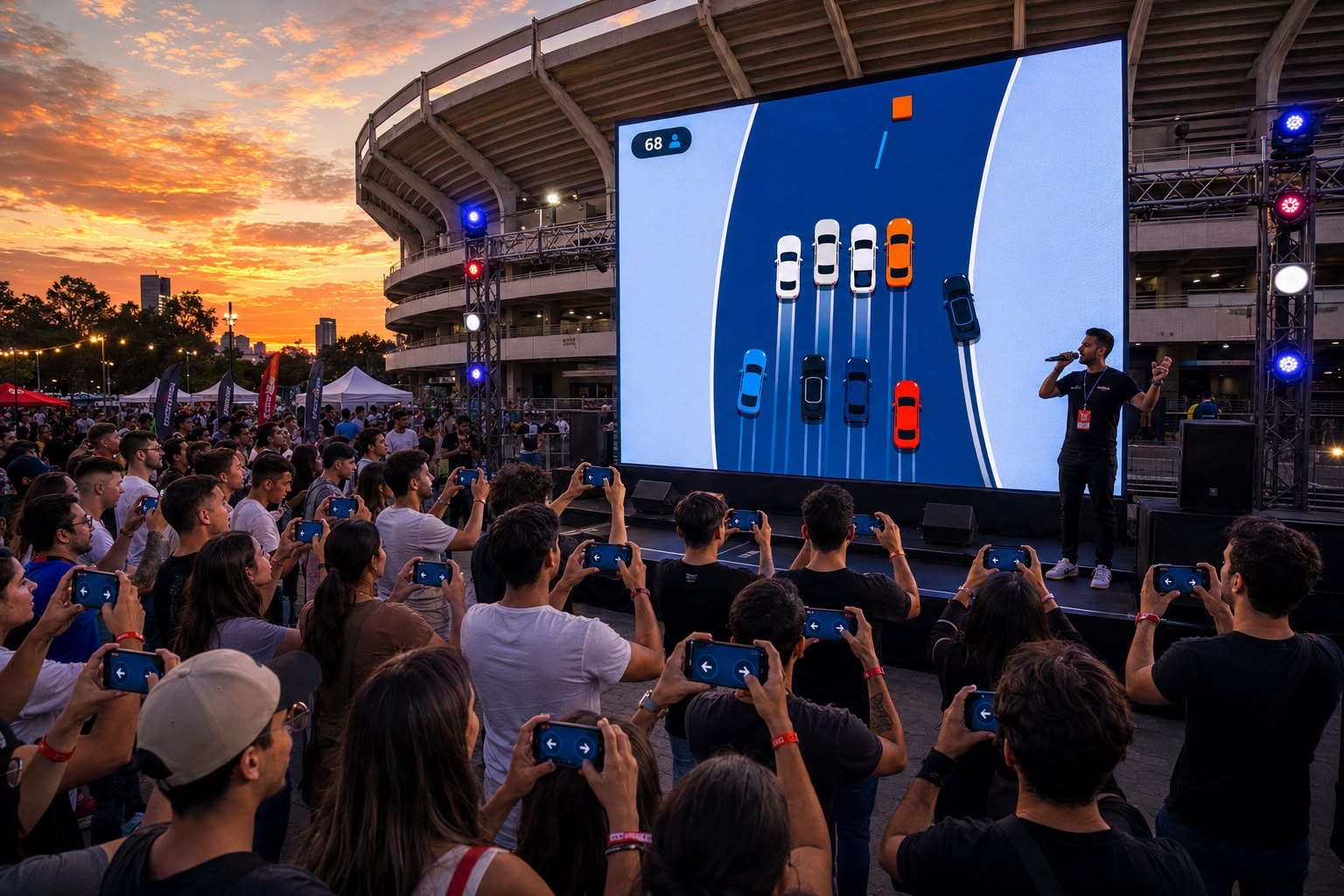
Stadiums and arenas
Half time, and the whole stand is already holding a phone.
Fan zones, arena concourses, the hour before kick-off and the break in the middle — the moments in a big venue when a crowd has attention to spare and nothing pointed at it. Qüizo fills exactly those, on the phones people already brought with them: a QR code sized to be read from the back of the stand, the event's colour and sponsors on the biggest screen in the building, and someone from our team on comms for the whole match.
How big a crowd?
One live room
Everyone on the same question, on the same clock, watching the same screen: up to 200 players in one live room.
A full stand
A self-paced format: the host opens a window — half time, the hour before kick-off — and each phone plays the whole quiz at its own pace inside it. Tell us the venue and the moment you want to fill, and we'll size it with you.
Support
You are never running this on your own.
Qüizo is a service, not a login we hand you. Our team configures the event with you beforehand and stays reachable while it's live.
How you get set up
There's no sign-up form. We set your organisation up, and you're running quizzes the same day.
We create your organisation and hand you a login for it.
You build your quizzes — in English, Spanish or Arabic — and reuse them across every event you run.
Your on-site operator gets a four-digit code for the day, which unlocks that event and nothing else.
Also from DIZENZ: Crashout.
One more way to get the room playing.
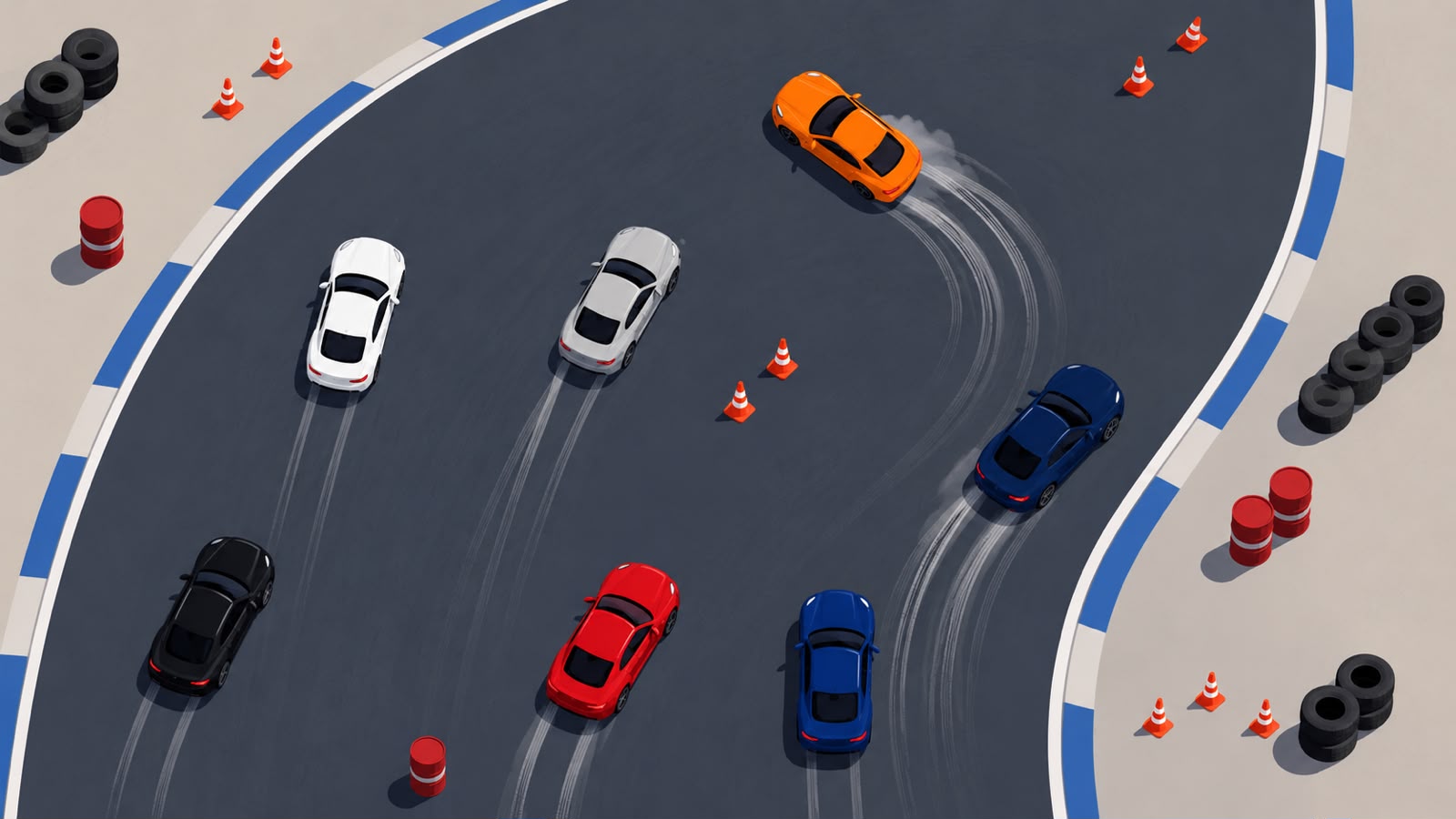
Crashout is our racing game for events. Phones become steering wheels, the race plays out on the big screen, and the last car standing wins.
Same setup as Qüizo: scan the code on the projector, no app, no accounts.
Book both for your event and the license comes at a bundle price.
Got an event on the calendar?
Tell us the date, roughly how many people will be in the room, and what you'd like to ask them. We'll build it with you and be on comms while it runs.